
AI budget simulator
What AI already costs you, and what it actually gives you back.
- Free
- No account
- 4 languages
diagnostic-ia.ch/budget
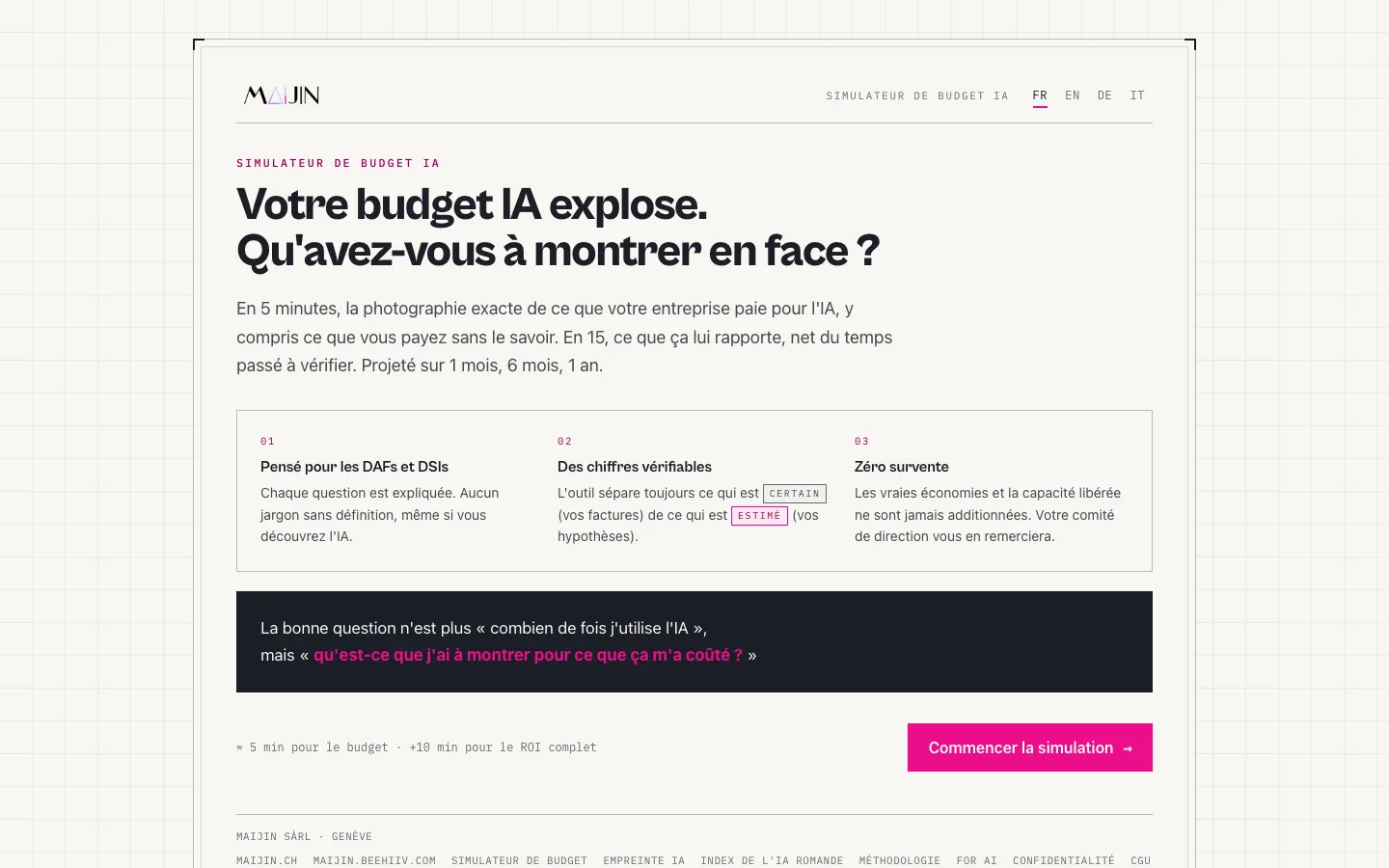
In five minutes, the simulator maps out what your company already pays for AI: over-equipping, duplicate licenses, subscriptions no one opens anymore. In fifteen minutes, it works out the hours truly saved by your AI uses, net of verification time, and projects them over 1, 6 and 12 months. It always separates the certain (your invoices) from the estimated (your assumptions), and never adds up savings and freed-up capacity. It is built for CFOs and CIOs who have to defend a budget, not to produce a nice-looking number.
What you get
- A snapshot of your AI spending in about 5 minutes
- Hours saved, net of verification time, in about 15 minutes
- A projection over 1, 6 and 12 months
- An Excel workbook and a report ready for management
- The certain (invoices) always kept separate from the estimated (assumptions)
Frequently Asked Questions
CFOs and CIOs, and more broadly anyone who has to arbitrate or defend an AI budget internally.
Two separate things. First, what you already pay for AI, including over-equipping and forgotten subscriptions. Second, the hours truly saved by your AI uses, net of the time spent checking results.
An Excel workbook with the detail of the calculations, and a report ready to present to your management.
No. The simulator is free, with no sign-up, and available in four languages.
How it works
List what you already pay
Licenses, subscriptions, tools bought twice over: the simulator starts from your invoices, not from a market average.
Describe your uses
For each use, you enter the time saved and the time spent checking the result. Only the balance is counted.
Project over the year
Results are projected over 1, 6 and 12 months, with savings and freed-up capacity shown separately.
Export for management
You leave with an Excel workbook and a report ready to present at committee level, with no reformatting needed.