
Document analysis
A scan, a photo or a PDF becomes text and tables you can actually reuse.
- Free
- No account
outils.maijin.ch/analyse-pdf
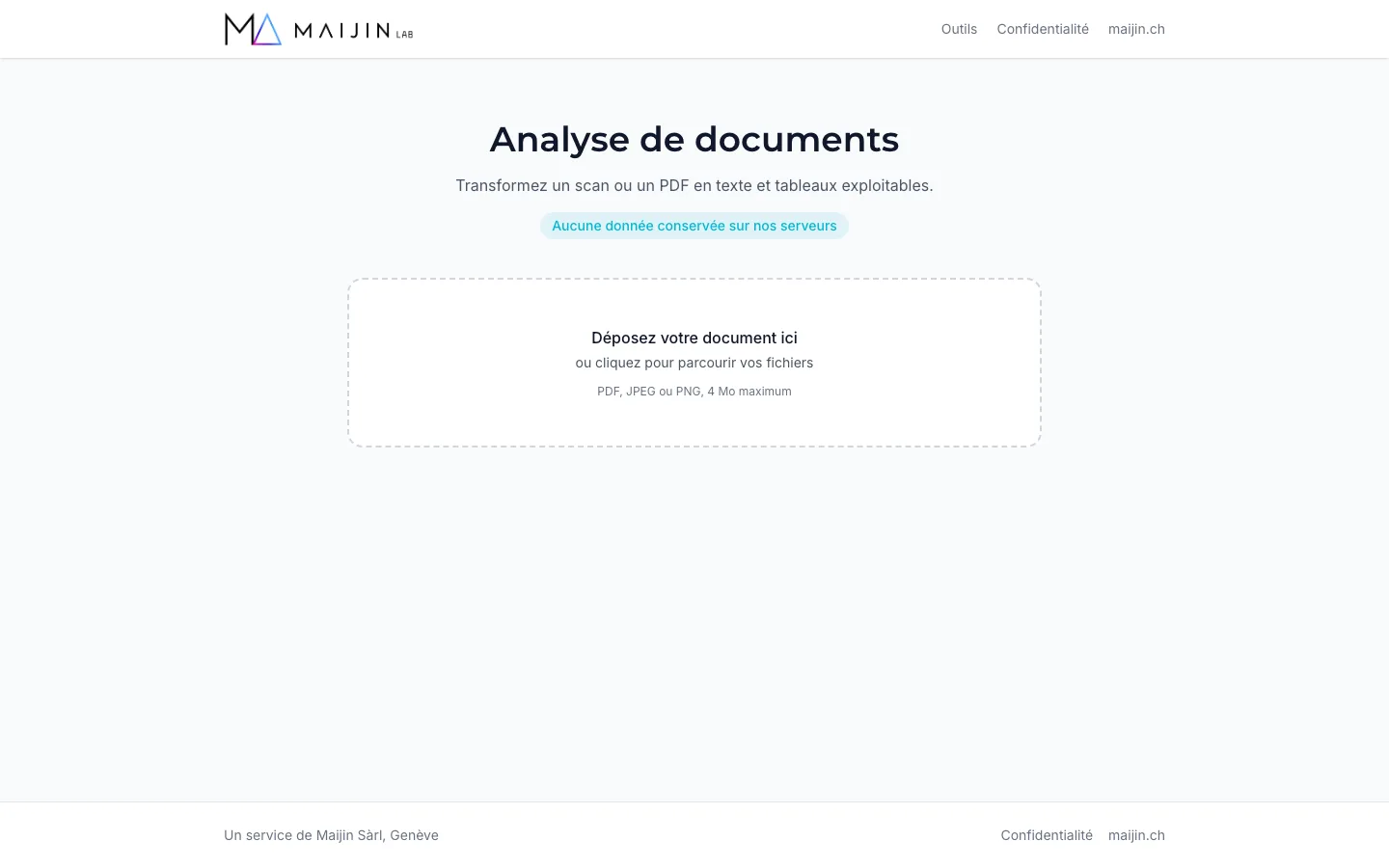
Drop a PDF, JPEG or PNG of up to 4 MB: the tool recognises the text, keeps the layout and rebuilds tables in Markdown, page by page. Copy the result or download it as Markdown, Word or PDF to paste into your tools, index it or hand it to an AI assistant. Recognition runs on Mistral AI, hosted in the European Union, and no file is kept on our servers. It is made for scanned invoices, contracts received as images and reports that only survive as a PDF.
What you get
- PDF, JPEG or PNG up to 4 MB
- Text, headings and tables rendered in Markdown
- Multi-page documents, page by page
- Export as Markdown, Word (.docx) or PDF
- No file kept after analysis
Frequently Asked Questions
PDF, JPEG and PNG files up to 4 MB. A multi-page PDF is processed page by page.
Yes. Tables are rebuilt in Markdown with their rows and columns, so they can be reused directly in a spreadsheet or an AI assistant.
Recognition is handled by Mistral AI, hosted in the European Union, which does not use your files to train its models. Nothing is stored on our servers.
The preview is free to view. Your email unlocks the full result and subscribes you to Direction, our letter for executives. One-click unsubscribe.
How it works
Drop the document
Drag a PDF, JPEG or PNG into the drop zone, or browse your files. 4 MB maximum.
Let the AI read
Recognition takes up to a minute depending on the page count. Text and tables appear in Markdown.
Collect the result
A preview is shown freely. Leave your email to unlock the full result, copy it or download it.